
For Android audio players
Oasis Core Launcher
One app that is both the home screen and the music player, so an Android player feels like a music player first. It can also be used as a player alone, beside the launcher you have.
In testing on four players. Not yet available to download.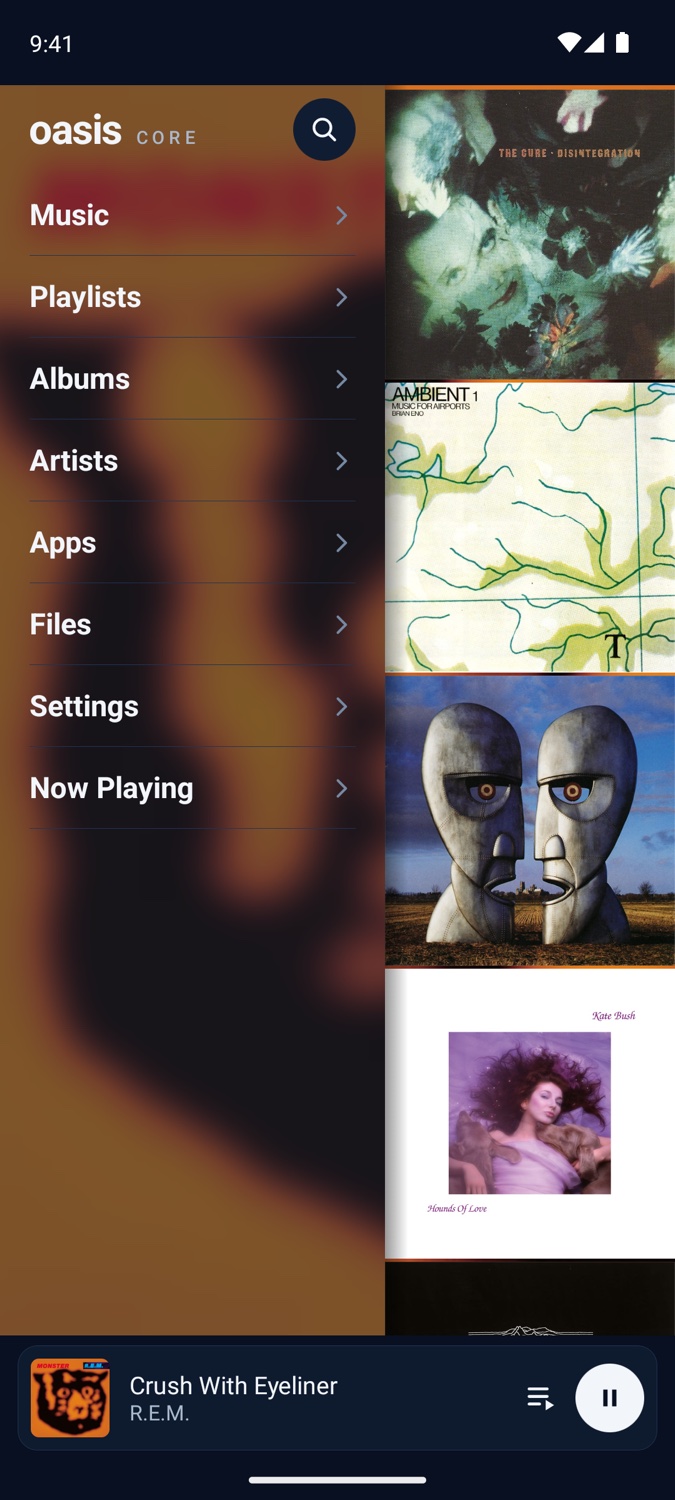
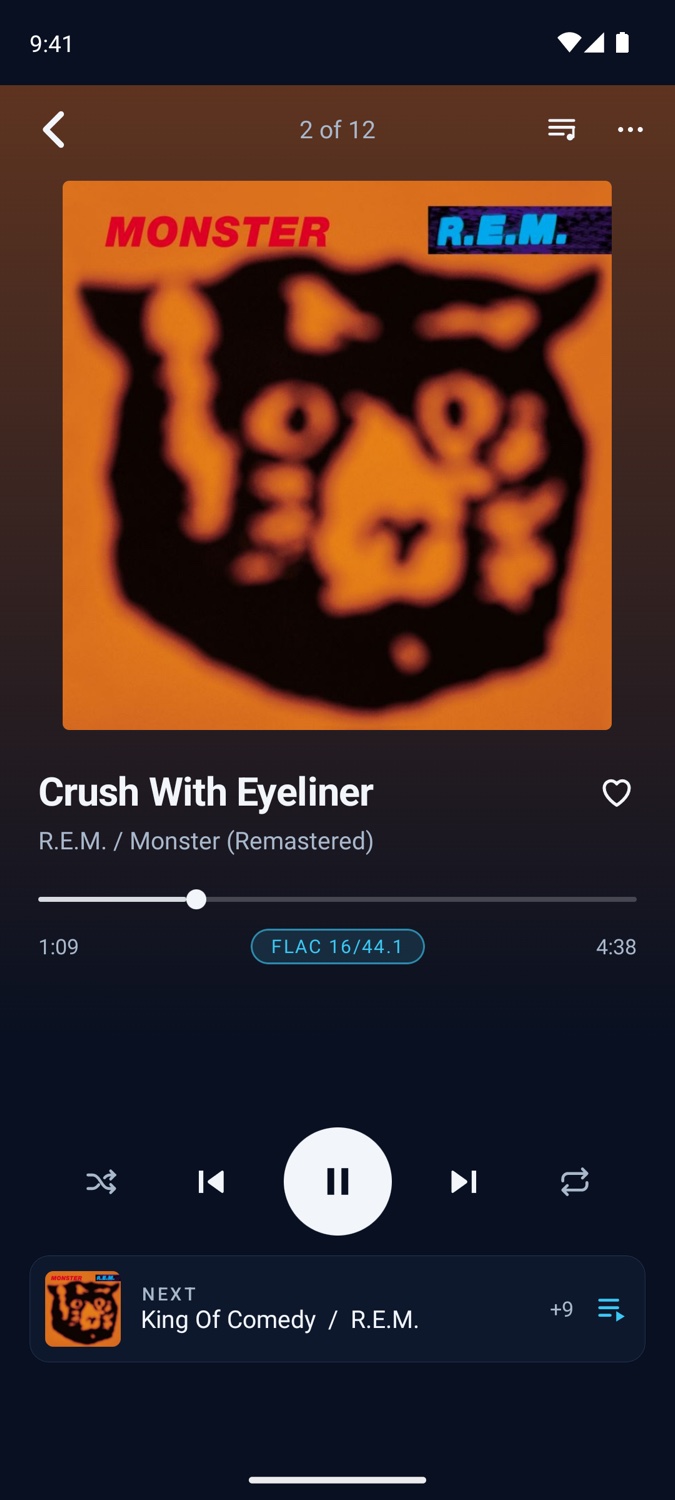
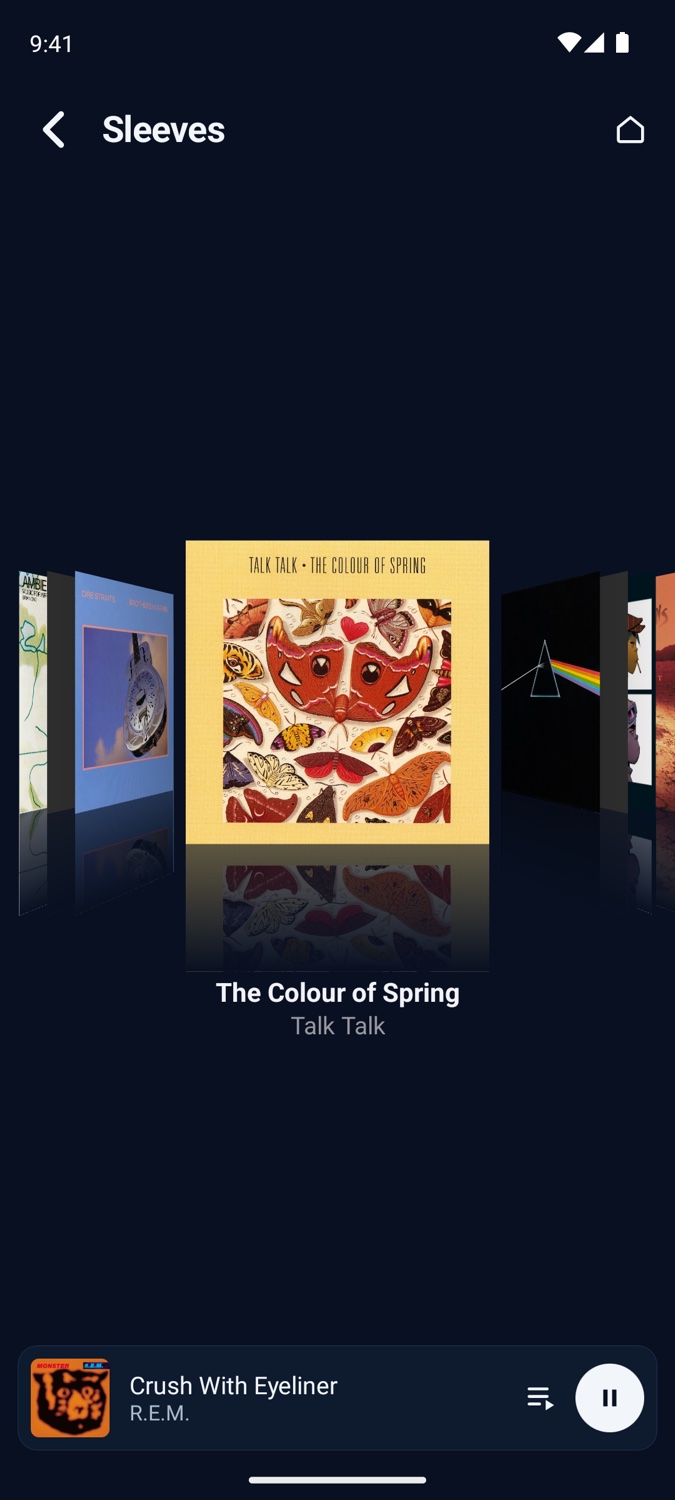
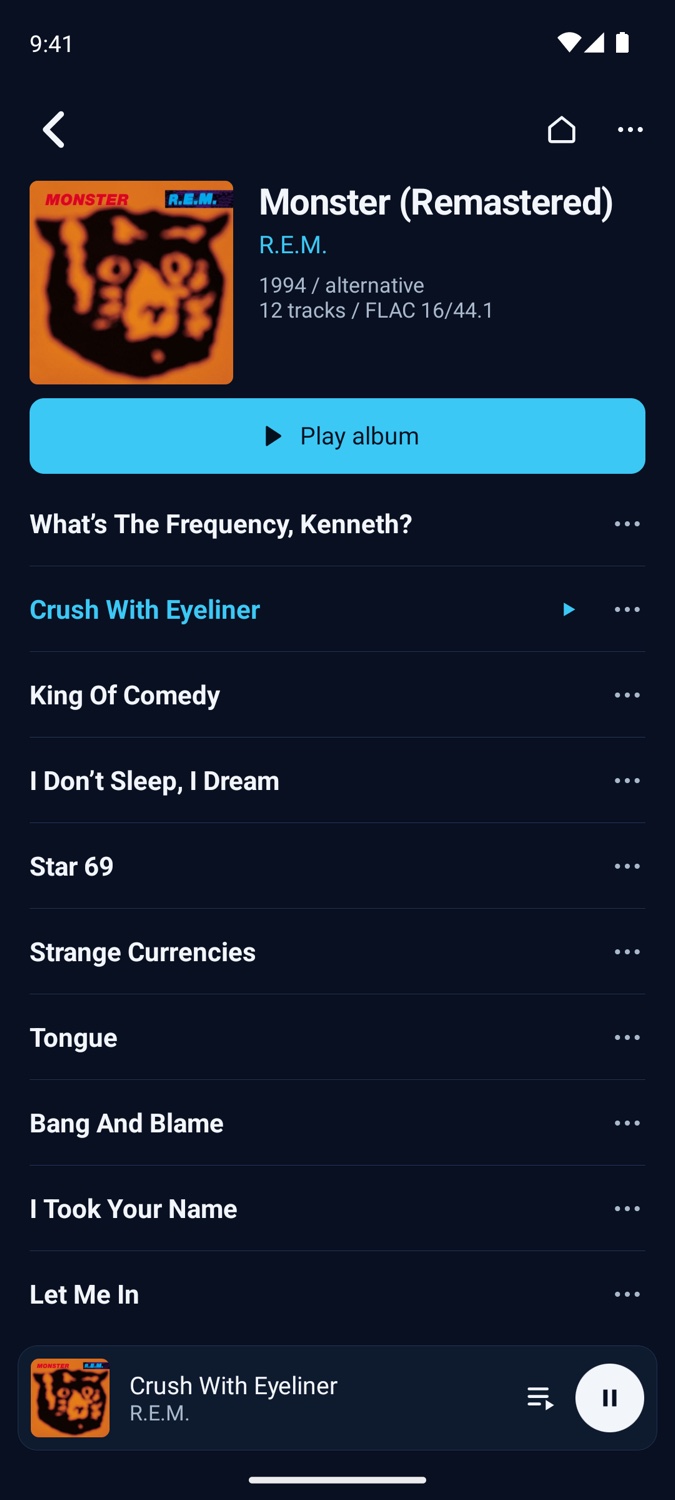
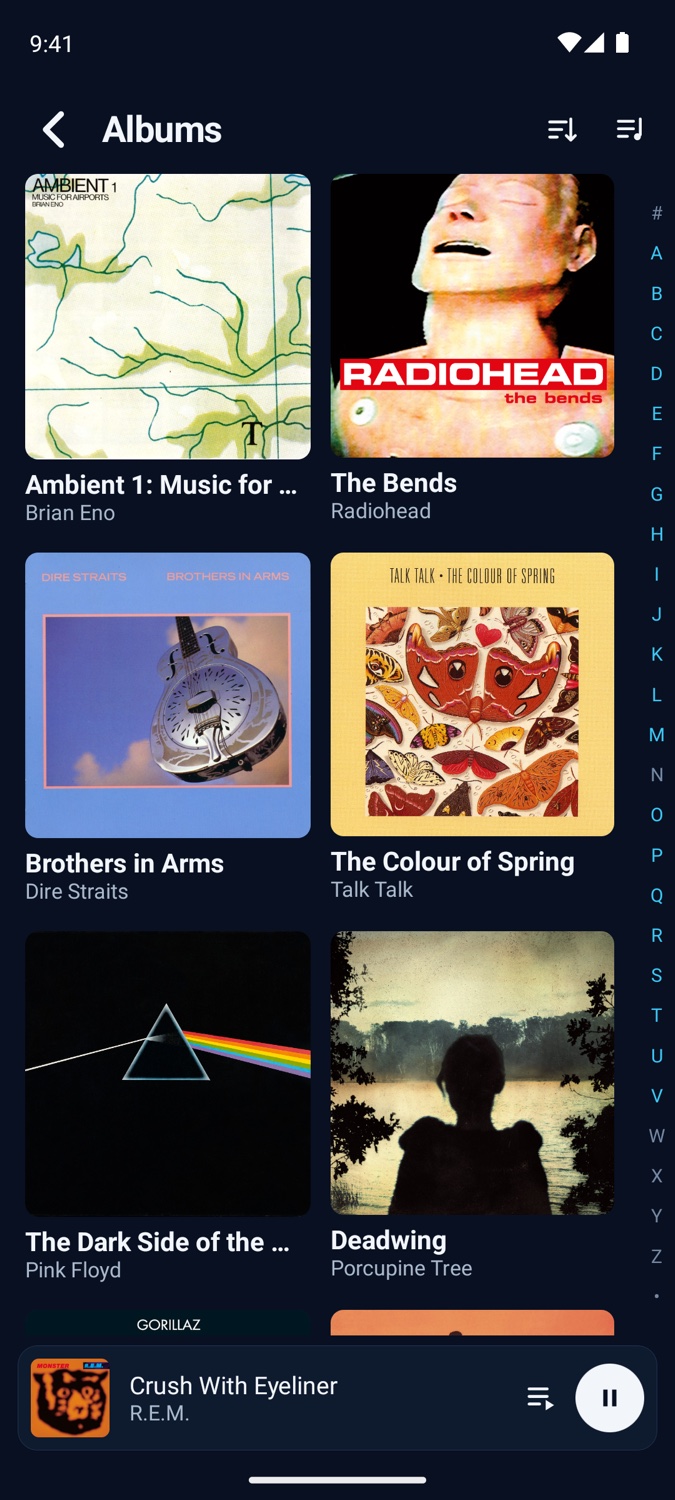
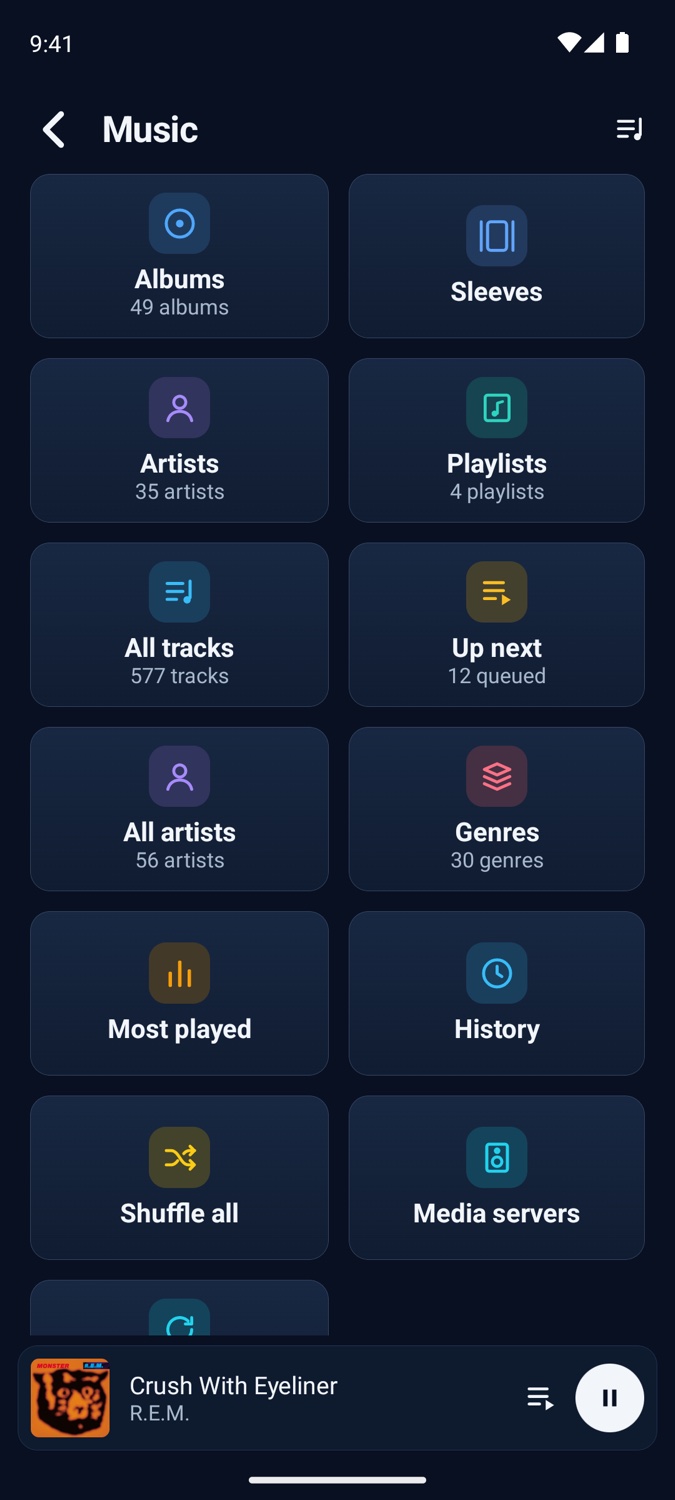
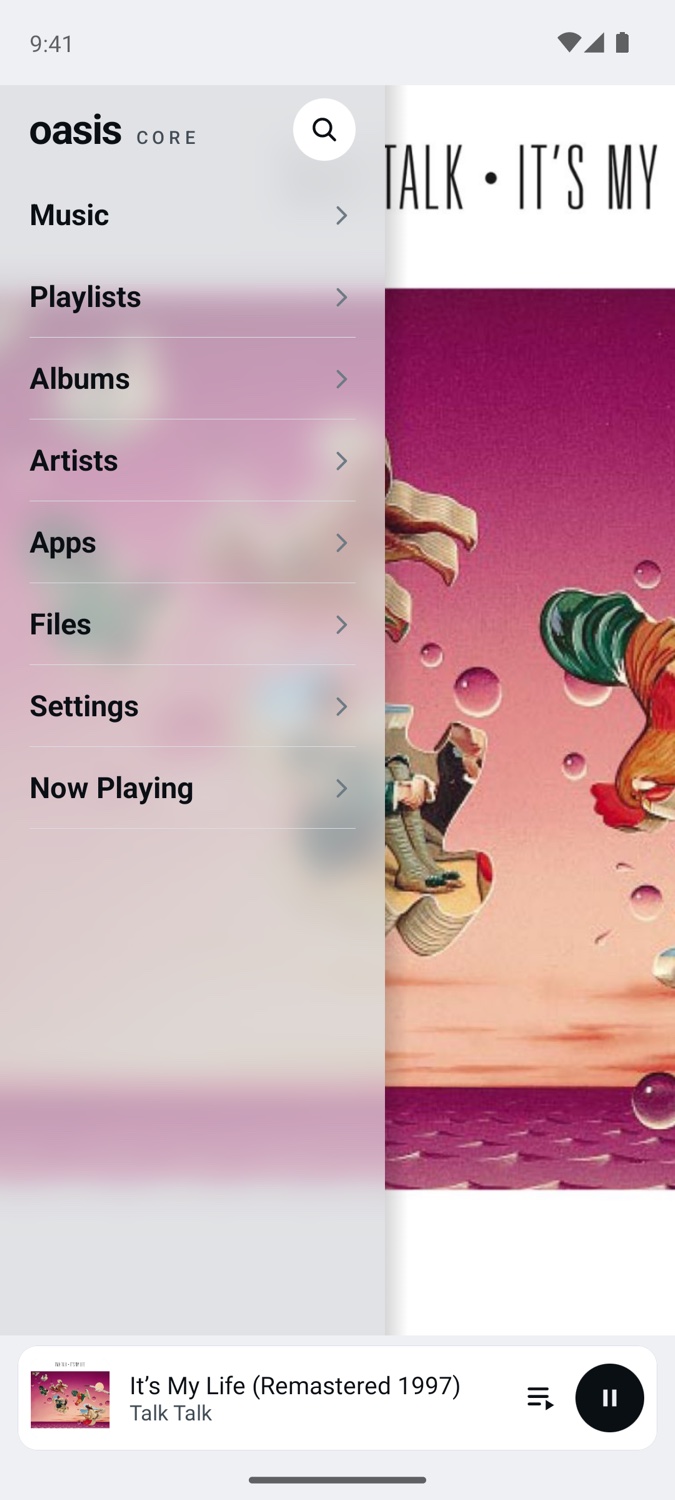
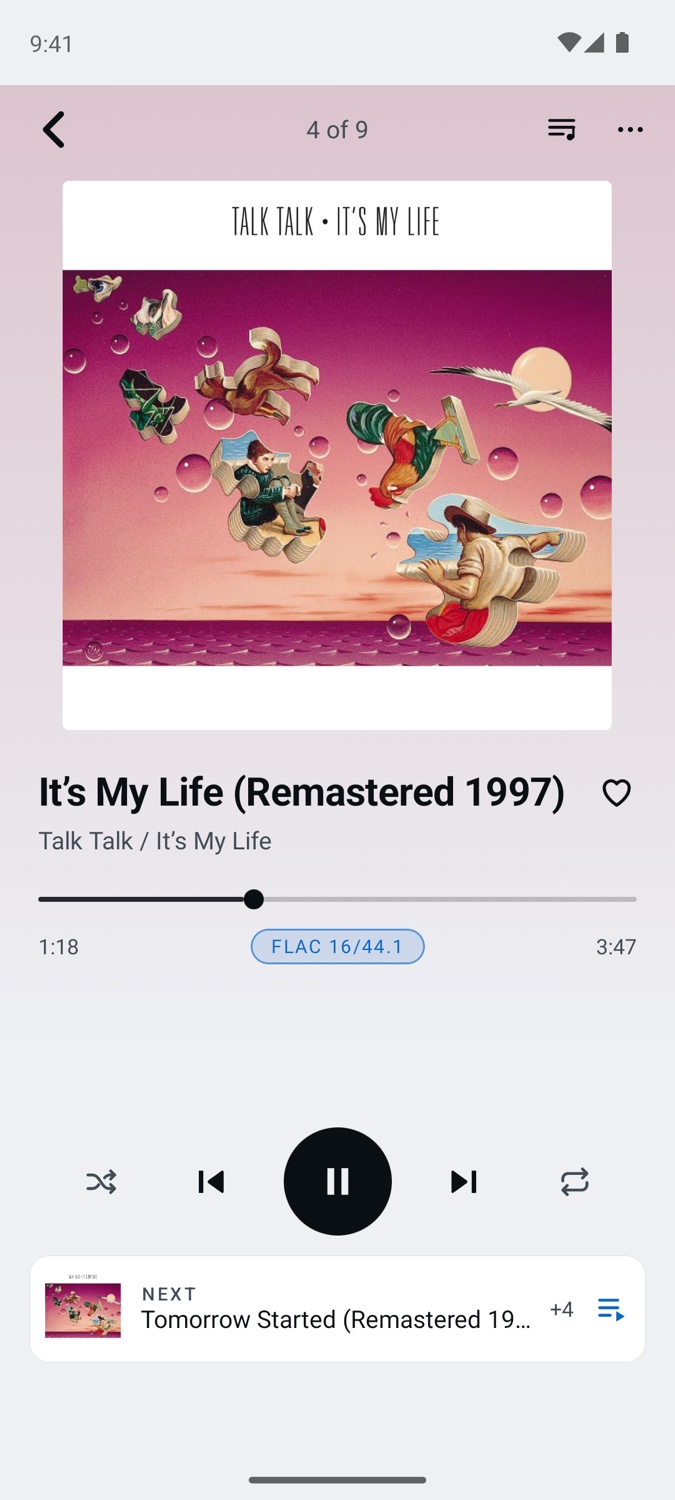
Oasis Core Launcher 0.1.55 on an Android 13 emulator, in its Oasis Core and Day looks, shown with a made-up demo library.
What it does
The player’s whole front end.
Home screen or music player
Make it the home screen, with your other apps a step away, or keep your own launcher and open Oasis like any app.
The same library
Albums in six orders, Sleeves, artists, genres, favorites, most played, history, files and search, laid out as on the firmware.
Playlists
Oasis’s own, M3U files kept in step with them, smart playlists made from rules, and star ratings.
Now Playing
Regular or Immersive, with Up next, lyrics from files, tags or LRCLIB, and a sleep timer.
Audiobooks and podcasts
Parts, chapters, authors and series, with speed and a sleep timer.
Wide screens
On a foldable or a tablet the menu stays at the side and pages open beside it.
Sound
Untouched, wherever the player allows.
The Launcher plays from its own library with its own decoders and outputs, and it tells you what happens to the sound on the way.
Bit-perfect paths
Each file plays at its own rate. The Launcher uses the player’s own direct or bypass path where the maker provides one.
Its own USB DAC driver
Plug in a USB Audio Class 2 DAC and the Launcher drives it itself, bit-perfect. Free, on any player with a USB host port.
The signal path
A pill on Now Playing says what is happening to the music. Tap it for the whole path, step by step.
Equalizers
A graphic equalizer and a parametric equalizer.
ReplayGain and gapless
By track or album, with a pre-amp. Gapless playback, or a crossfade if you prefer one.
Volume you can trust
A volume limit for each output, and channel balance.
Connected
Sync and network players.
- Sync over Wi-Fi with Oasis Core Player on your computer. Start it from the player.
- Network players (DLNA): send music to a streamer, be one, or browse a media server.
- Makers’ modes in Settings, such as a player’s USB DAC mode or Bluetooth receiver.
Players it has been tried on
- iBasso DX180
- Shanling M3 Plus and M3 Plus Master
- Surfans F20 Pro+, with its wheel
- Hiiiman H10
Needs Android 12 or later on a 64-bit ARM player. Other players are planned; tell us which one you have.
Coming
Next for the Launcher.
- The first release, as a download from this site.
- Sync from the Launcher to your other players, with no computer in between.
- Google Play, later.